DTF Film Pressing Settings: Temperature, Peel Timing and Machine Fit
- Share
- publisher
- FCOLOR Editorial
- Issue Time
- Sep 24,2026
Summary
A practical guide to DTF film pressing and finishing: the 160 C / 15 second / medium pressure baseline, when to use cold peel vs hot peel, and how to tell whether a dull print is a temperature problem or a peel-timing problem. Includes an observation-to-cause diagnostic table, a production-run checklist, and confirmation that all FCOLOR roll DTF films are compatible with automatic powder shakers and curing units. Free sample program for printers in Dongguan China.
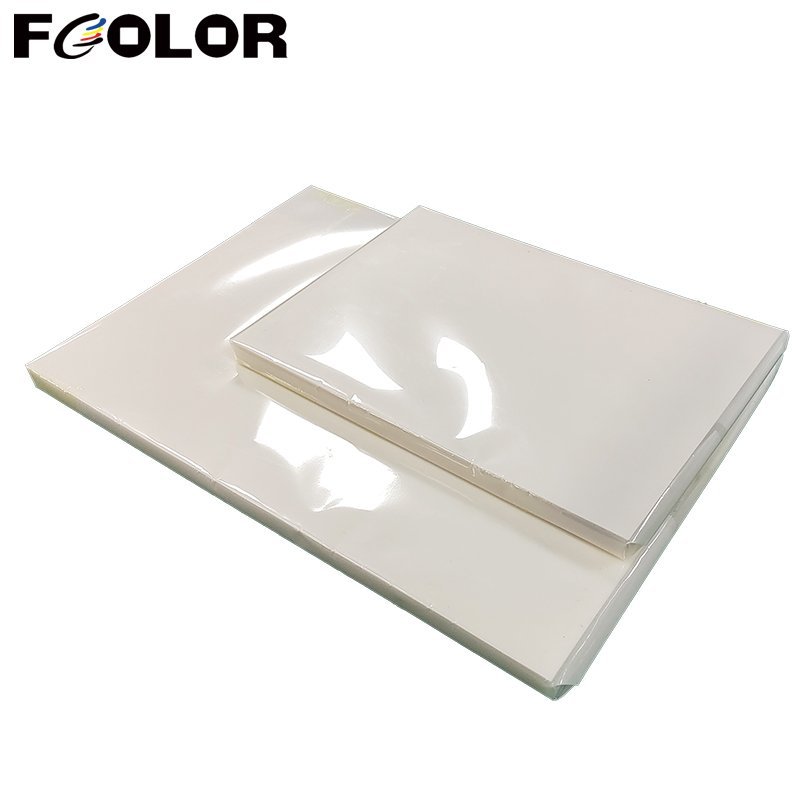
The press is where a good DTF film print either becomes a finished garment print or turns dull and flat. The settings are not complicated — three numbers and a peel decision — but two of them are the most commonly misadjusted variables in the whole DTF process.
This post covers our recommended DTF film pressing parameters, why prints come out dull after pressing, and whether our film runs on automatic powder shakers and curing units.
DTF Film Pressing Settings: Temperature, Time and Pressure
Our baseline: 160°C for 15 seconds, medium pressure, then peel — cold or hot depending on film type.
Breaking that down:
| Setting | Value | Notes |
|---|---|---|
| Temperature | 160°C | The transfer stage on DTF film, not the curing stage |
| Time | 15 seconds | Per press cycle |
| Pressure | Medium | Enough to bond, not enough to flatten the texture |
| Peel | Cold or hot | Determined by which DTF film you are running |
Two things worth flagging.
This is a starting point, not a universal setting. Garment type, fabric thickness and your press's actual platen temperature will all move the ideal point. Our numbers are the baseline we recommend because they work across the widest range of setups — but a heavy hoodie and a thin polyester tee do not need identical treatment.
Do not confuse pressing with curing. Curing is a separate upstream step at 120–130°C for 60–90 seconds. If you are troubleshooting, know which stage you are changing before you change it.
Why DTF Film Prints Come Out Dull After Pressing
Two causes, both straightforward:
- The pressing temperature is too low. The transfer did not fully activate.
- The DTF film was peeled too early. The print did not have time to set.
Fixes, matching each cause:
- Increase the temperature, or
- Wait a few seconds longer before peeling
How to Tell Which One You Have
This matters because the two fixes are not interchangeable, and choosing wrong wastes a test cycle:
| Observation | Likely cause | First fix |
|---|---|---|
| Dull consistently across the whole print on DTF film | Temperature too low | Increase pressing temperature |
| Dull in patches, or varies between operators | Peeled too early | Wait a few seconds longer before peeling; standardize peel timing |
| Dull with cold peel DTF film only, fine with hot peel | Peel timing on the cold peel workflow | Build the 5–10 second wait into the process |
That third row is worth checking first if you run both peel types on one line. Cold peel requires a 5–10 second wait after pressing; hot peel does not. If your operator runs both the same way, the cold peel jobs are the ones that will come out dull.
DTF Film Compatibility With Automatic Powder Shakers and Curing Units
Yes. All our roll DTF films are suitable for automatic powder shakers and curing units.
This is a practical answer for shops scaling up. Automatic powder shakers remove the manual powdering step, which is usually the biggest labor bottleneck in DTF production — but they also impose consistent mechanical handling on the DTF film. A film that feeds inconsistently will jam or powder unevenly on an automated line, and that is exactly where the roll format matters.
Worth being precise about scope: our statement covers roll DTF film. If you are running sheet formats, that is a different feeding geometry, so confirm your specific setup with us before you plan around automation.
DTF Film Pressing and Finishing Checklist
Before a production run on DTF film:
- Curing: 120–130°C, 60–90 seconds.
- Pressing: 160°C, 15 seconds, medium pressure.
- Peel: cold peel DTF film → wait 5–10 seconds; hot peel → peel immediately.
- Peel timing standardized: operators should not be improvising the wait.
- Test on the actual garment, not a spare scrap — fabric weight changes the result on DTF film.
- Automation fit: roll DTF film is compatible with automatic powder shakers and curing units.
About FCOLOR DTF Film
FCOLOR (Fullcolor) manufactures DTF PET film and DTF pigment ink at our own facility in Dongguan, China. Our DTF film comes in cold peel and hot peel, single-sided and double-sided matte, in roll widths of 30cm, 33cm, 60cm and 120cm plus A3 and A4 sheets — and all roll DTF films are suitable for automatic powder shakers and curing units.
Every batch of DTF film is tested for coating thickness, peeling performance and color reproduction before shipment. Our DTF film is compatible with our matching Fullcolor brand powder if you prefer a fully matched consumable set.
If your press settings are producing inconsistent results on DTF film, tell us your press, garment type and peel type — we will tell you which variable we would change first. You can also verify it on your own line with a free DTF film sample roll (you cover shipping).
FCOLOR — DTF film, DTF ink and digital printing solutions, factory direct.